
Listen to this article
Narrated by Charlotte · The Noble House

The Deployment Vulnerability
A frozen screen usually signals a memory deadlock, not a glitch in the neural weights. This crash happens when the inference engine ignores standard memory protocols because a configuration flag was left unset. The local job consumes every byte of available VRAM, locking the display driver and forcing a hard reset to recover control. This specific failure mode reveals a gap between consumer hardware capabilities and the demands of large language models and generative image systems. The community has noted that a local LLM or Stable Diffusion job can eat every bit of VRAM and lock up the whole desktop, which is not a bad model but an unset flag [1]x.comWe wrote a one-line wrapper that finds YOUR actual discrete GPU (by VRAM size, not a hardcoded card number), caps itself to real free VRAM, pin… / X Post Log in Sign up Post WeederOpen the source to inspect the supporting evidence.Open source ↗.
Compass Predictive Analytics
The Hardware Reality of 2026 Models
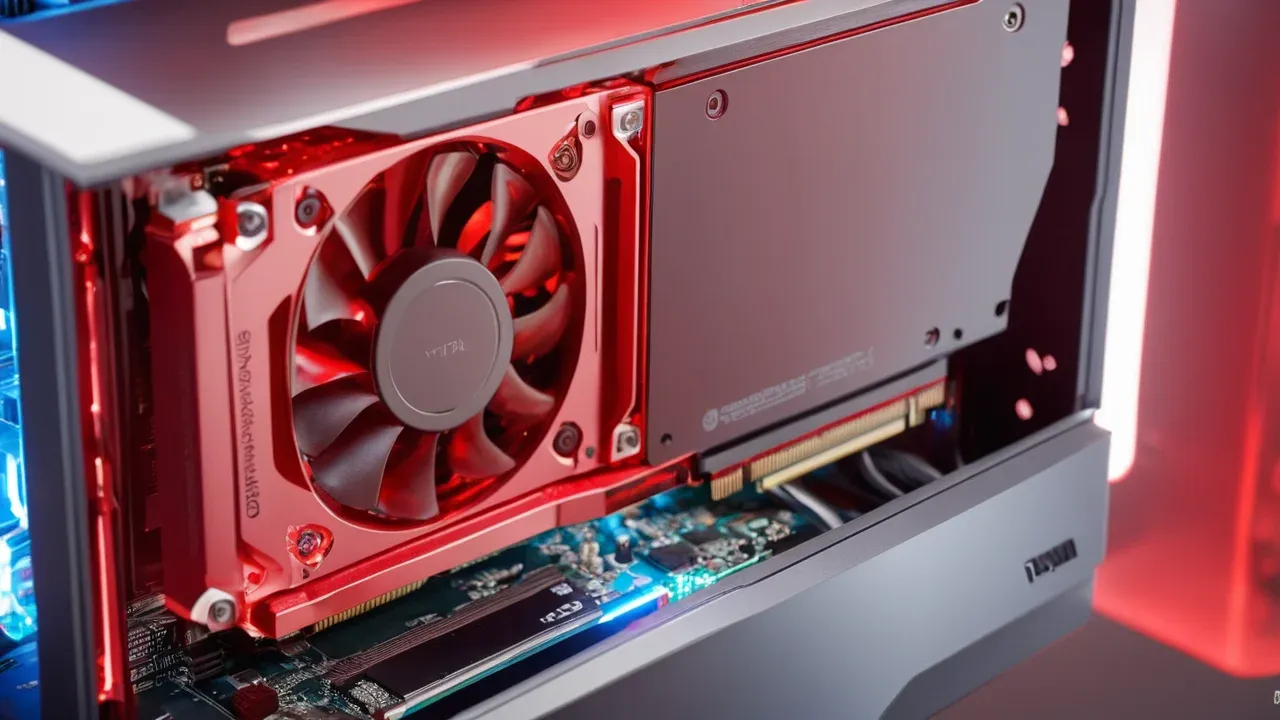
Local artificial intelligence requirements have escalated sharply throughout 2026. Early generative models tolerated low-end hardware, but contemporary architectures demand substantial dedicated memory to function even at reduced fidelity. The baseline requirements for Stable Diffusion variants illustrate this progression clearly. Stable Diffusion 1.5, an older architecture, still operates on a minimum of 4 GB of VRAM, a threshold that remains accessible to entry-level discrete graphics cards [2]thundercompute.comHow to Run Stable Diffusion: Requirements, and Setup (2026) | Thunder Compute Cloud platformOpen the source to inspect the supporting evidence.Open source ↗ [3]localaimaster.comStart free ♾️ Or own it for life — Lifetime $149 , pay once To run Stable Diffusion locally in 2026 you need an NVIDIA GPU with at least 8 GB of VRAM for SDXL (12 GB is the comfortOpen the source to inspect the supporting evidence.Open source ↗. However, the industry standard has moved upward. Stable Diffusion XL requires a minimum of 8 GB of VRAM to run, with 12 GB serving as the comfortable floor for stable performance [3]localaimaster.comStart free ♾️ Or own it for life — Lifetime $149 , pay once To run Stable Diffusion locally in 2026 you need an NVIDIA GPU with at least 8 GB of VRAM for SDXL (12 GB is the comfortOpen the source to inspect the supporting evidence.Open source ↗ [10]thecascadehub.comRunning Stable Diffusion Locally in 2026: GPU RequirementsOpen the source to inspect the supporting evidence.Open source ↗. This increase in hardware demand reflects the exponential growth in model parameters and the complexity of the attention mechanisms employed.
Newer models have pushed these requirements even further. SD 3.5 Large, an 8.1 billion parameter model, requires approximately 11 GB of VRAM even when utilizing NVIDIA’s FP8 precision format to optimize memory usage [3]localaimaster.comStart free ♾️ Or own it for life — Lifetime $149 , pay once To run Stable Diffusion locally in 2026 you need an NVIDIA GPU with at least 8 GB of VRAM for SDXL (12 GB is the comfortOpen the source to inspect the supporting evidence.Open source ↗. This leaves little headroom for system overhead or concurrent desktop applications. The Flux family of models presents a similar landscape. While Flux can operate with reduced quality on 6 to 8 GB of VRAM, achieving full fidelity demands significantly more resources [4]digitalapplied.comDA Digital Applied Team Senior strategists · Published Jun 28, 2026 Published June 28, 2026 Read time 12 min Sources Black Forest Labs, Stability AI Per image, local $0 after hardwOpen the source to inspect the supporting evidence.Open source ↗. These figures are not theoretical estimates but verified operational requirements for the current generation of open-weight models. When a user attempts to load a model that exceeds the physical limits of their graphics card, or when the system fails to reserve sufficient memory for the operating system and display driver, the result is immediate resource starvation.
The reliance on NVIDIA GPUs remains dominant in this ecosystem due to the maturity of CUDA support. While AMD and Apple Silicon support is growing, the primary target for local Stable Diffusion and LLM workloads continues to be NVIDIA hardware. This hardware specificity means that memory management strategies must be tailored to the specific capabilities of the discrete GPU. A one-size-fits-all approach to memory allocation fails because the available VRAM varies wildly across consumer cards, from 4 GB to 24 GB and beyond. The discrepancy between the model’s demand and the hardware’s capacity is where the instability originates. Understanding these specific hardware tiers is crucial for any 2026 local LLM hardware guide, as the gap between budget and high-end options dictates the feasible inference strategies [6]kunalganglani.com2026 Local LLM Hardware Guide: VRAM Tiers + GPUsOpen the source to inspect the supporting evidence.Open source ↗.
Compass Predictive Analytics
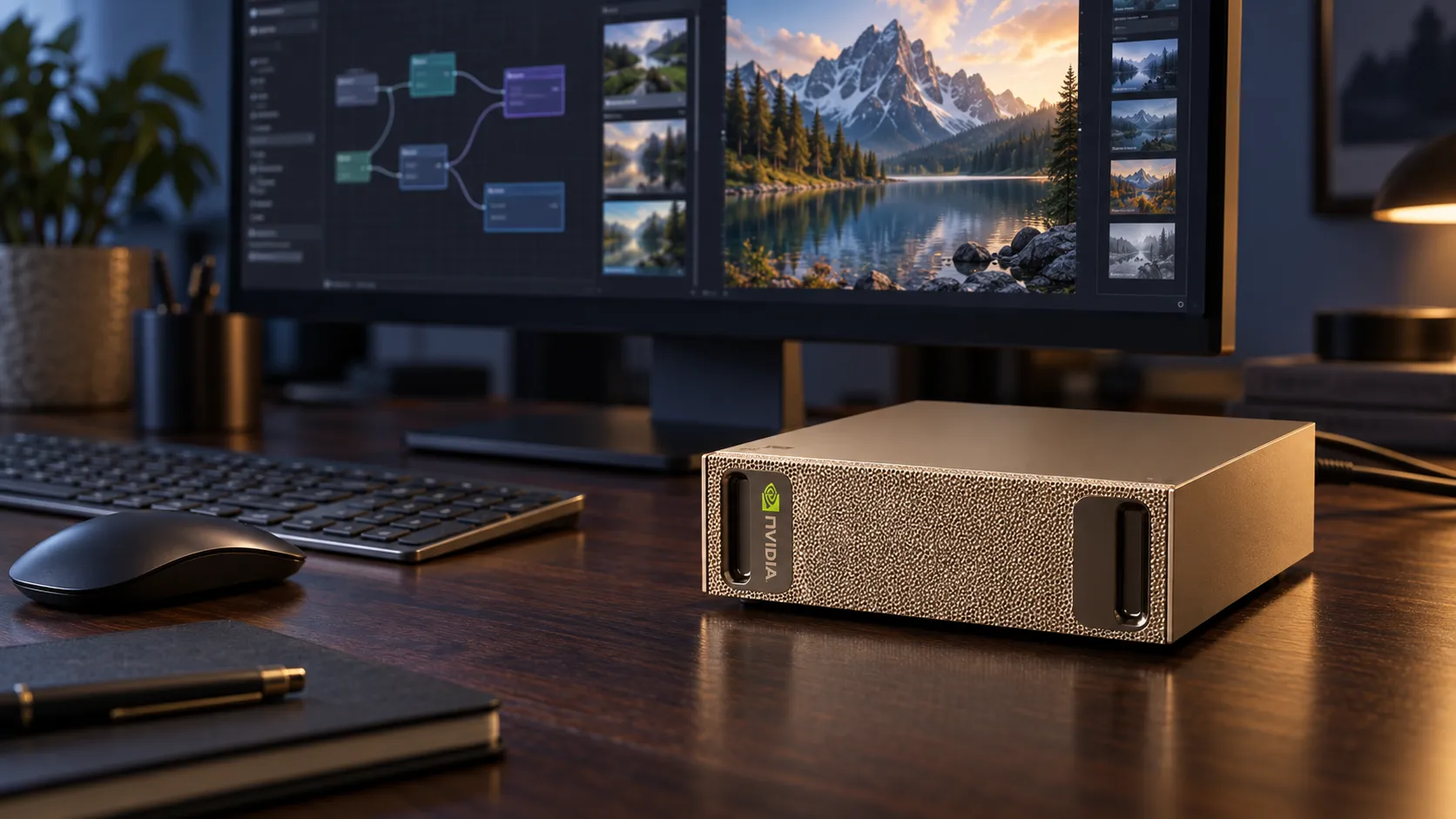
Consumer hardware constraints define the practical limits of local AI adoption in the current year. The disparity between model size and available VRAM creates a bottleneck that manual configuration often fails to resolve. Users must navigate a complex landscape of quantization levels, layer offloading, and precision formats to fit models onto their specific cards. For instance, running a 70B parameter model locally requires significant multi-GPU setups or heavy quantization, as detailed in multi-GPU LLM setup guides for 2026 [9]compute-market.comMulti-GPU LLM Setup 2026 — Run 70B-405B LocallyOpen the source to inspect the supporting evidence.Open source ↗. Similarly, running Stable Diffusion locally in 2026 requires strict adherence to GPU requirements to avoid the instability discussed earlier [10]thecascadehub.comRunning Stable Diffusion Locally in 2026: GPU RequirementsOpen the source to inspect the supporting evidence.Open source ↗. The hardware reality is that no single card fits all use cases; the 8 GB minimum for SDXL is a hard barrier for many entry-level users, while the 12 GB comfort zone is inaccessible to budget builders. This fragmentation necessitates dynamic tools that can adapt to the specific VRAM size of the installed discrete GPU, rather than relying on hardcoded assumptions about card models.
Compass Predictive Analytics
The Unset Flag and System Instability
Diagnosing a desktop freeze as an unset flag issue provides a precise technical explanation for the instability. Local AI frameworks, such as those based on AUTOMATIC1111 or Forge, provide standard launch flags like --medvram and --lowvram [1]x.comWe wrote a one-line wrapper that finds YOUR actual discrete GPU (by VRAM size, not a hardcoded card number), caps itself to real free VRAM, pin… / X Post Log in Sign up Post WeederOpen the source to inspect the supporting evidence.Open source ↗. These flags instruct the runtime to offload parts of the model to system RAM or to optimize tensor shapes to fit within the available VRAM. When these flags are omitted, the inference engine defaults to a mode that prioritizes speed over stability. It attempts to load the entire model and its associated context into VRAM simultaneously. This behavior is efficient for high-end workstations but catastrophic for consumer-grade hardware.
The consequence of this unbounded allocation is a race condition between the AI workload and the operating system. The graphics card’s VRAM is a finite resource shared with the display output. When the AI process claims all available memory, the display driver loses the buffer space required to render the desktop interface. The result is a frozen screen, a black display, or a completely unresponsive cursor. This is not a software crash in the traditional sense but a hardware resource deadlock. The system continues to run in the background, but the user interface is rendered inaccessible. This outcome is predictable and avoidable, yet it remains a frequent point of failure for new users who assume that local AI tools will automatically adapt to their hardware limits.
The attribution of this issue to an unset flag rather than a bad model is critical. It shifts the blame from the complexity of the neural network to the configuration of the runtime environment. The model itself is functional; it is the lack of constraints that causes the failure. This distinction is important for troubleshooting. Users who interpret a freeze as a model error may discard valid weights, whereas those who recognize it as a configuration error can adjust their launch parameters. The existence of tools like llm-vram-estimator highlights the community’s recognition of this need [5]github.comDismiss alert {{ message }} thisismindo / llm-vram-estimator Public Notifications You must be signed in to change notification settings Fork 3 Star 0 main Branches Tags Go to fileOpen the source to inspect the supporting evidence.Open source ↗. These tools analyze model weights and provide estimated VRAM requirements, allowing users to make informed decisions before launching [5]github.comDismiss alert {{ message }} thisismindo / llm-vram-estimator Public Notifications You must be signed in to change notification settings Fork 3 Star 0 main Branches Tags Go to fileOpen the source to inspect the supporting evidence.Open source ↗. However, estimation is only the first step. The actual enforcement of limits requires active intervention during runtime.
Compass Predictive Analytics

Dynamic Detection and Automation
A one-line wrapper that identifies the actual discrete GPU by VRAM size and caps usage to real free memory addresses the core pain point of manual configuration. Hardcoded card numbers are obsolete in a diverse hardware landscape. A script that relies on a specific model number will fail on any other card, regardless of its VRAM capacity. Dynamic detection is therefore essential. By querying the system for the total VRAM of the discrete GPU, the wrapper can calculate the available memory after accounting for system overhead. This approach ensures that the memory cap is relative to the actual hardware, not a theoretical standard.
The concept of dynamic VRAM capping is already embedded in mature local AI tools. ComfyUI, for example, employs node-based memory management that automatically adjusts to the available VRAM. Ollama and other LLM runtimes also feature auto-detection mechanisms that optimize quantization and layer offloading based on hardware capabilities. The value of the proposed one-line wrapper lies in its simplicity and automation. It reduces the barrier to entry by removing the need for users to manually calculate or select memory flags. Instead of choosing between --medvram and --lowvram, the user executes a single command that intelligently selects the appropriate strategy.
This automation transforms the user experience from a technical hurdle to a seamless operation. For local image generation, this means that users with 8 GB cards can run SDXL without manual intervention. For LLM inference, it allows users with lower-end GPUs to run larger models by dynamically quantizing and offloading layers. The wrapper acts as a bridge between the rigid requirements of the models and the flexible reality of consumer hardware. It ensures that the inference job respects the boundaries of the physical system, preventing the VRAM exhaustion that leads to desktop locks. Optimizing VRAM usage directly impacts inference speed, batch processing capabilities, and overall system stability, making such automation vital for daily workflows [7]dasroot.netOptimizing VRAM Usage for Local LLMsOpen the source to inspect the supporting evidence.Open source ↗.
Compass Predictive Analytics
Decisive Implications for Local AI Adoption
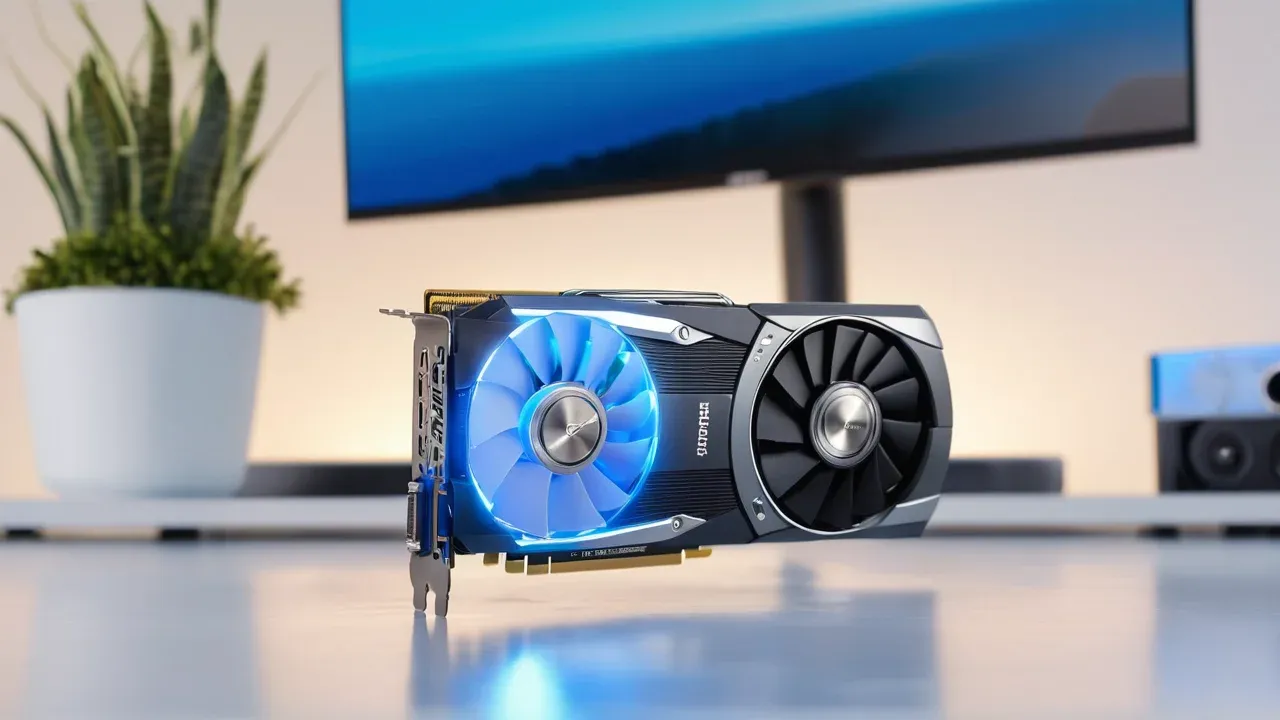
Resolving VRAM exhaustion through dynamic detection and capping is a decisive step toward the broader adoption of local AI. The current landscape is fragmented, with users facing a steep learning curve to manage memory constraints. The reliance on manual flags creates a divide between those who can configure their systems and those who cannot. Automated wrappers eliminate this divide by standardizing the memory management process. They ensure that every user, regardless of their technical expertise, can run local models on their available hardware.
The implications extend beyond individual convenience. As local AI becomes more accessible, the demand for efficient memory management will grow. The integration of dynamic capping into core runtimes will become the norm, not the exception. This change will reduce the incidence of system crashes and improve the stability of local AI workflows. It will also encourage the development of more efficient model architectures that are designed to work within the constraints of consumer hardware. The future of local AI is not dependent on ever-increasing hardware specs but on smarter software that maximizes the utility of existing resources.
The signal regarding the one-line wrapper is a testament to this evolution. It highlights a community-driven solution to a systemic problem. By automating the detection of discrete GPUs and capping usage to real free VRAM, the wrapper provides a robust and scalable solution. It transforms a potential point of failure into a seamless user experience. The desktop lock is no longer an inevitable consequence of running local AI; it is a configurable parameter. With the right tools, local AI can run stably on any hardware, unlocking the potential of private, offline computation for a broader audience. The unset flag is no longer a mystery but a solved problem, paving the way for the next generation of accessible artificial intelligence. This approach aligns with the broader goal of making local image generation in 2026 accessible through tools like Stable Diffusion, FLUX, and ComfyUI, where setup and VRAM management are critical success factors [8]local-llm.netLocal Image Generation 2026: Stable Diffusion, FLUX, and ComfyUI SetupOpen the source to inspect the supporting evidence.Open source ↗. Furthermore, understanding the cost benefits, such as zero per-image cost after hardware investment compared to API fees, reinforces the necessity of stable local setups [4]digitalapplied.comDA Digital Applied Team Senior strategists · Published Jun 28, 2026 Published June 28, 2026 Read time 12 min Sources Black Forest Labs, Stability AI Per image, local $0 after hardwOpen the source to inspect the supporting evidence.Open source ↗. Ultimately, the ability to run these models locally is defined by meeting the specific GPU requirements outlined in comprehensive guides for running Stable Diffusion locally [2]thundercompute.comHow to Run Stable Diffusion: Requirements, and Setup (2026) | Thunder Compute Cloud platformOpen the source to inspect the supporting evidence.Open source ↗.
Compass Predictive Analytics